
Why Aged Care Providers Choose Neat
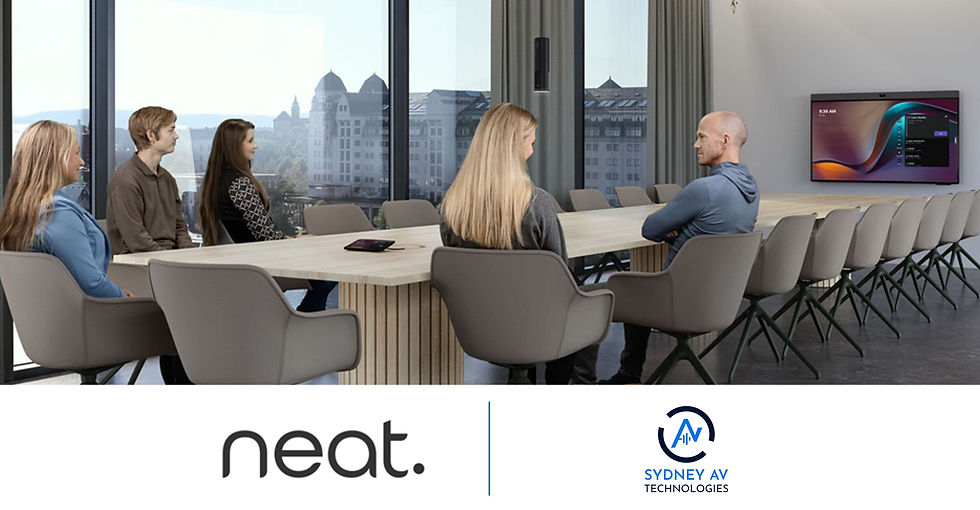
Every organisation has a meeting room story. The call that started fifteen minutes late because nobody could find the right cable. The remote team staring at an empty chair because the camera was pointed at the wrong end of the table. The IT team called in, again, to fix a room that worked perfectly yesterday.
Video conferencing technology has never been more capable, yet many meeting rooms are still hard to use. That is why more Australian organisations are turning to Neat, a range of video devices built around one idea: meetings should just work. One of them is HammondCare, which chose Neat for its meeting rooms because it is so simple to use.

When technology is simple, carers can spend their time where it matters most.
Why simplicity matters in the meeting room
A meeting room is only as good as the least confident person who walks into it. If joining a call takes training, a cheat sheet taped to the table or a phone call to IT, people stop using the room, or they work around it with a laptop balanced on a chair.
Complex rooms carry hidden costs:
Lost time at the start of every meeting while people fumble with remotes, cables and settings.
Poor experience for remote participants, who can't see or hear the room properly.
Support load on IT, especially across multiple sites where a technician can't simply walk down the hall.
Low adoption, where the investment in a room sits idle because people don't trust it.
For organisations whose people are busy delivering frontline services, this matters even more. Staff need technology that gets out of the way so they can focus on the conversation, not the equipment.
What makes Neat so simple
Neat is a Norwegian company whose motto is “smarter, simpler video devices”. Its products are designed so that anyone can walk into a room and start a meeting without help.
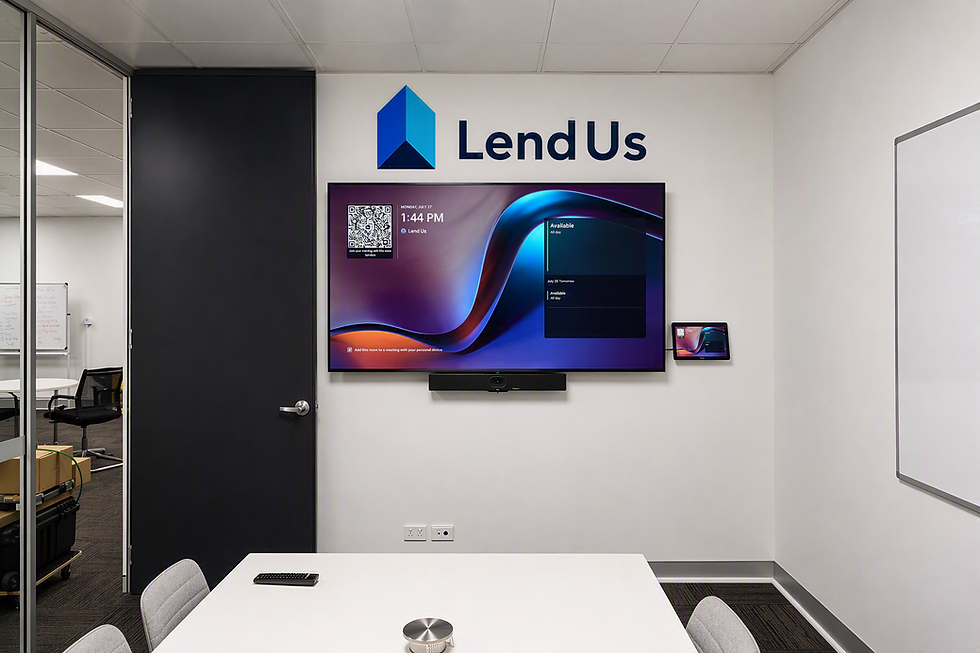
Join with a touch. Each room is controlled from a Neat Pad, a touch panel that sits on the table. Scheduled meetings appear on screen and users tap to join. The same Pad can be mounted outside the room as a booking display, showing at a glance whether the room is free.
Native Microsoft Teams, Zoom and Google Meet. Neat devices are certified for Microsoft Teams Rooms, Zoom Rooms and Google Meet. The platform runs on the device itself, so users see the familiar Teams or Zoom interface they already use on their laptops. There's no separate PC under the table to maintain. Neat Bar Gen 2 also has a BYOD mode, so visitors can connect a laptop with a single USB-C cable and use any meeting platform.
Cameras that frame people automatically. Neat's wide-angle cameras use automatic people framing to keep everyone in view. Depending on the setting, the camera can show the whole group, follow the active speaker, or frame each person individually and present them side by side at similar sizes (Neat calls this Neat Symmetry). Nobody needs to touch a camera remote, and remote participants see faces rather than an empty end of the table.
Clear audio without fuss. Neat Bar Gen 2 uses a five-microphone array with built-in echo cancellation, noise suppression and automatic gain control, so voices come through clearly without anyone adjusting levels.
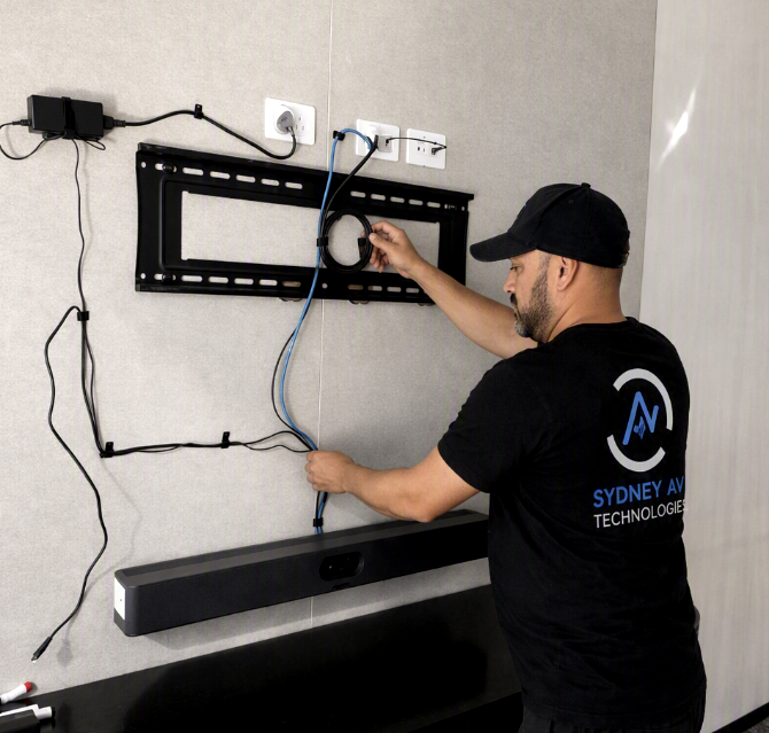
Quick to install, easy to manage. Neat says anyone can set up a Neat Bar Gen 2 “within minutes”, with everything needed included in the box. Once installed, IT teams can manage every device remotely through Neat Pulse: monitoring device status, pushing settings to groups of rooms, applying software updates automatically and even viewing room occupancy and air-quality data. The devices sleep when a room is empty and wake when someone walks in.
A Neat device for every space
The Neat range covers everything from focus rooms to boardrooms:
Neat Bar Gen 2: an all-in-one video bar for small and medium rooms.
Neat Bar Pro: a higher-performance video bar for larger meeting rooms.
Neat Board 32, Board 50 and Board Pro: all-in-one touchscreen devices that combine video, whiteboarding and screen sharing, with Board Pro aimed at larger spaces.
Neat Centre: a companion camera and microphone for the middle of the table, so remote participants see people face-on in larger rooms.
Neat Pad and Neat Pad Pro: touch controllers and room-booking displays.
Neat Frame: a compact personal video device for the home office or a hot desk.
Because every device shares the same interface, people who learn one Neat room can use them all.
Is your meeting room as simple as it should be?
Sydney AV Technologies designs, supplies and installs meeting room video conferencing for Australian businesses, including the full Neat range. We'll help you choose the right device for each space, install it properly and set it up for Microsoft Teams, Zoom or Google Meet, so your rooms work from day one.
Want to see how simple Neat really is? Book a demo or request a quote today.
Call Andrew Jones on 0417 488 302 or email andrew@sydneyavtechnologies.com.au.
Comments